
The dashboard
dashboard.tides.cx is where everything is configured. There is no setting that only exists as a command.
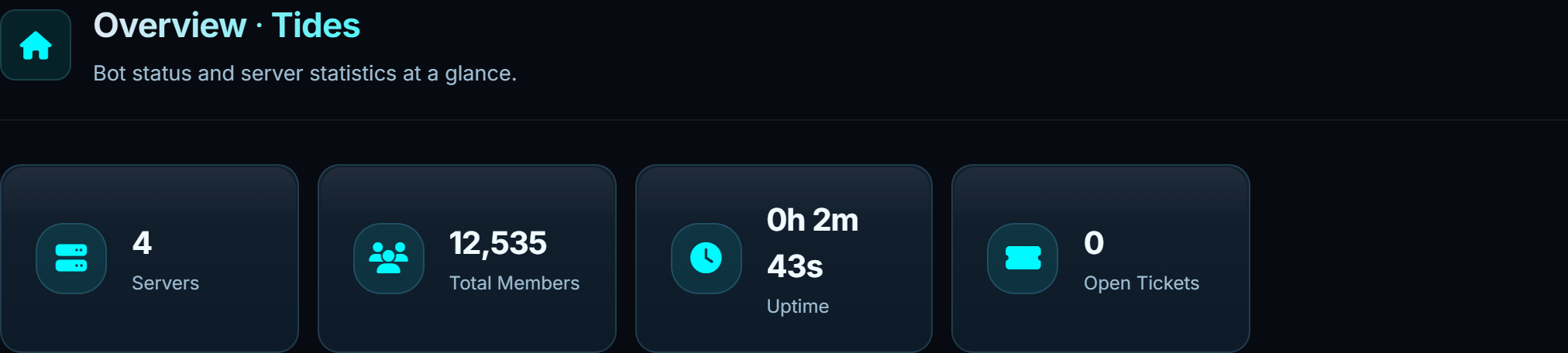
#Signing in
Sign in with Discord. You land on a list of every server you can manage. Pick one and the sidebar fills in.
Your session is a cookie, not a token in the URL, so sharing a dashboard link with someone does not share your access. They get the sign-in screen.
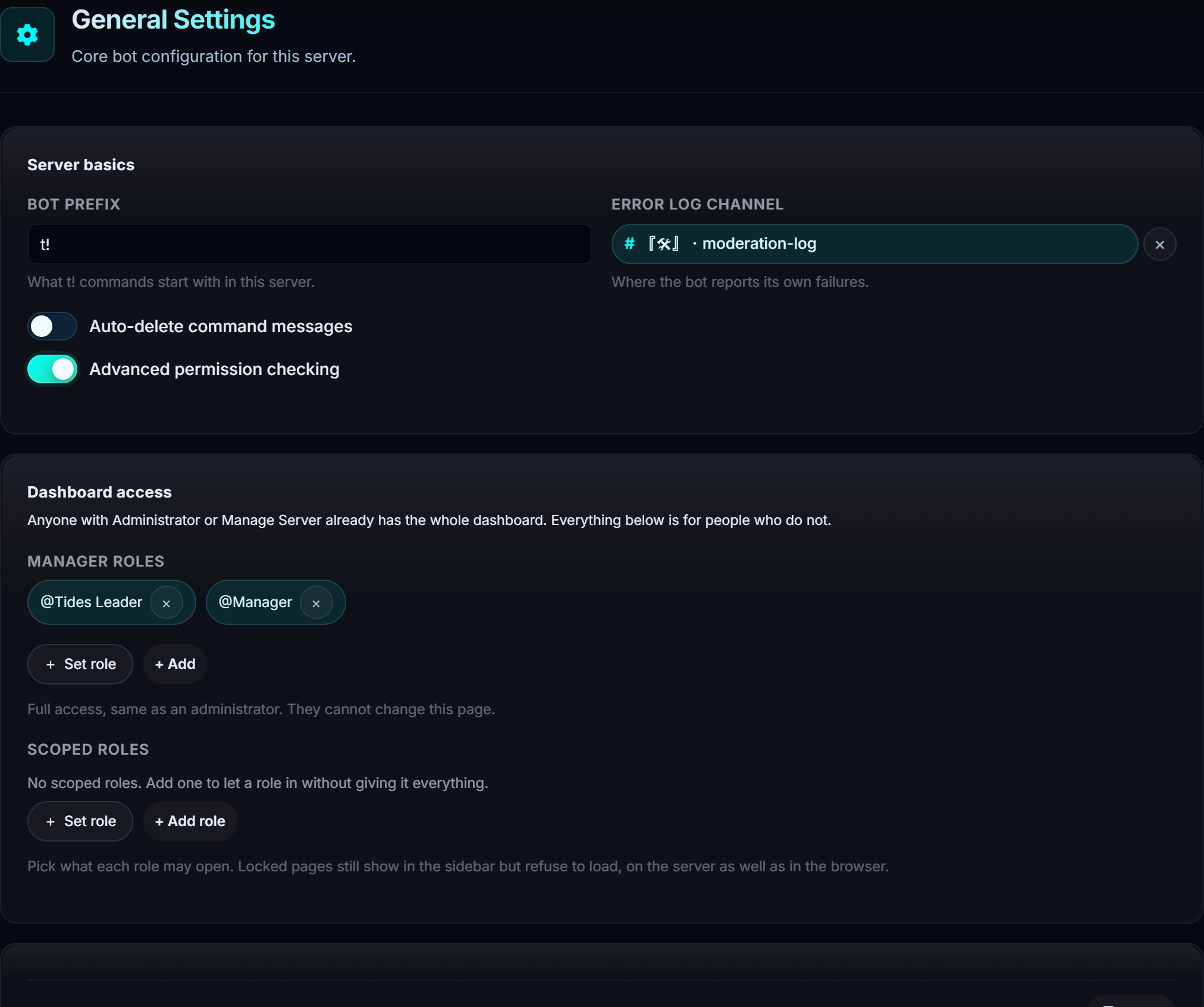
#Who can use the dashboard
Three ways in, in order of how much they get.
| Who | What they get |
|---|---|
| Administrator or Manage Server | Everything, including who else gets in |
| A role listed under Manager roles | Everything except changing dashboard access |
| A role listed under Scoped roles | Only the pages you ticked |
The first two are one line each in General settings. The third is the interesting one.
#Scoped roles
A scoped role gets a subset of the dashboard. The example it was built for: giveaway hosts who need the giveaways page and the giveaway tickets, and nothing else.
Every page gets one of three settings:
| Setting | What it means |
|---|---|
| Hidden | The page refuses to open |
| Read only | They can look at it, but every control is disabled |
| Can edit | Full use of the page |
Two roles that disagree resolve to the more generous one, the same way Discord permissions do.
A locked page still appears in the sidebar, dimmed with a padlock. Hiding it entirely just makes people ask where it went. This way they can see it exists and that it is not theirs.
#Narrowing tickets by type
Set Tickets to anything other than Hidden and a ticket type picker appears under it. Tick nothing and they see every type. Tick some and only those reach them.
That narrowing applies to the ticket list, the transcript list, opening a single transcript, downloading one, and any attachment inside one. A link to a ticket of a type they cannot see returns a not-found rather than a refusal, so they cannot use it to work out what exists.
Scoped roles are enforced by the server, not by the browser. Typing a URL for a page they do not have, or calling the API directly, gets the same refusal. Nothing is protected by being hidden in the interface.
#Saving
Changes are held until you save. A bar appears at the bottom of the page when something is unsaved, with Reset to throw the changes away.
Each page saves its own section, so two people working on different pages will not overwrite each other.
#What a scoped user cannot do
Even with Can edit on every page, a scoped role can never change Manager roles or Scoped roles. Nobody can widen their own access. That stays with the people who already have Manage Server.