
Tickets
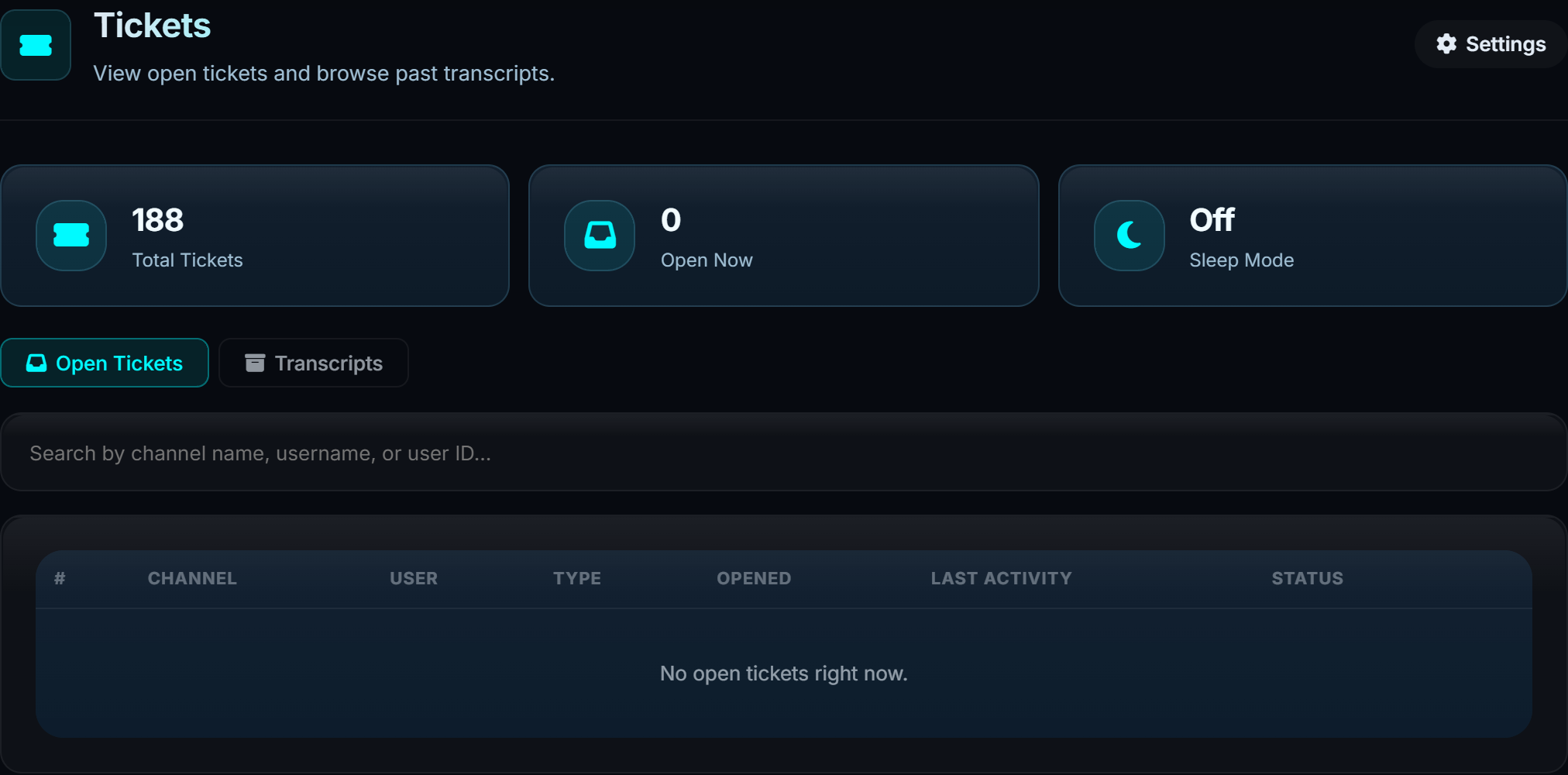
A panel members click, a private channel per ticket, and a transcript when it closes.
#Ticket types
A ticket type is one button on the panel. Each has its own name, emoji, color, description, welcome message and questions.
| Field | What it is for |
|---|---|
| Label | What the button says |
| Emoji and color | How it looks on the panel |
| Description | Shown in the picker, so people choose the right one |
| Welcome message | Posted into the new ticket channel |
| Questions | Asked in a form before the channel is made |
Questions are the part worth spending time on. A ticket that arrives with the answers already in it saves the first four messages of every conversation.
The type also becomes part of the channel name, as in ticket-0042-giveaway-username,
which is how transcripts stay sortable later.
#The panel
Post the panel into a channel and members open tickets from it. Reposting replaces the old panel rather than stacking a second one.
If you change types or wording, repost so the panel matches.
#Working a ticket
Staff get the channel, the opener, and the answers to any questions. From the dashboard you can read a ticket live without being in Discord. Useful for a quick look without the channel marking as read for you.
#Transcripts
Closing a ticket saves a transcript: every message, who sent it, when, and any attachments. The close message links to it.
Transcripts open in the dashboard, which means they are behind the same access rules as everything else. They are not public links.
A scoped role narrowed to certain ticket types only ever receives those transcripts, in the list, opening one, downloading one, and the attachments inside. See Scoped roles.
#Settings
| Setting | What it does |
|---|---|
| Staff roles | Who is added to every new ticket |
| Category | Where ticket channels are created |
| Ticket count | The running number used in channel names |
| Sleep mode | Stop accepting new tickets without removing the panel |
| Inactivity reminder | Nudge a quiet ticket before closing it |
| Auto close | Close after a period of no messages |
| Close message | What is posted when a ticket closes |
Sleep mode is the one people miss. It is how you close the queue overnight without taking the panel down and confusing everyone.