
Messages & templates
Every message the bot sends is a template you can open and rewrite. There are 446 of them.
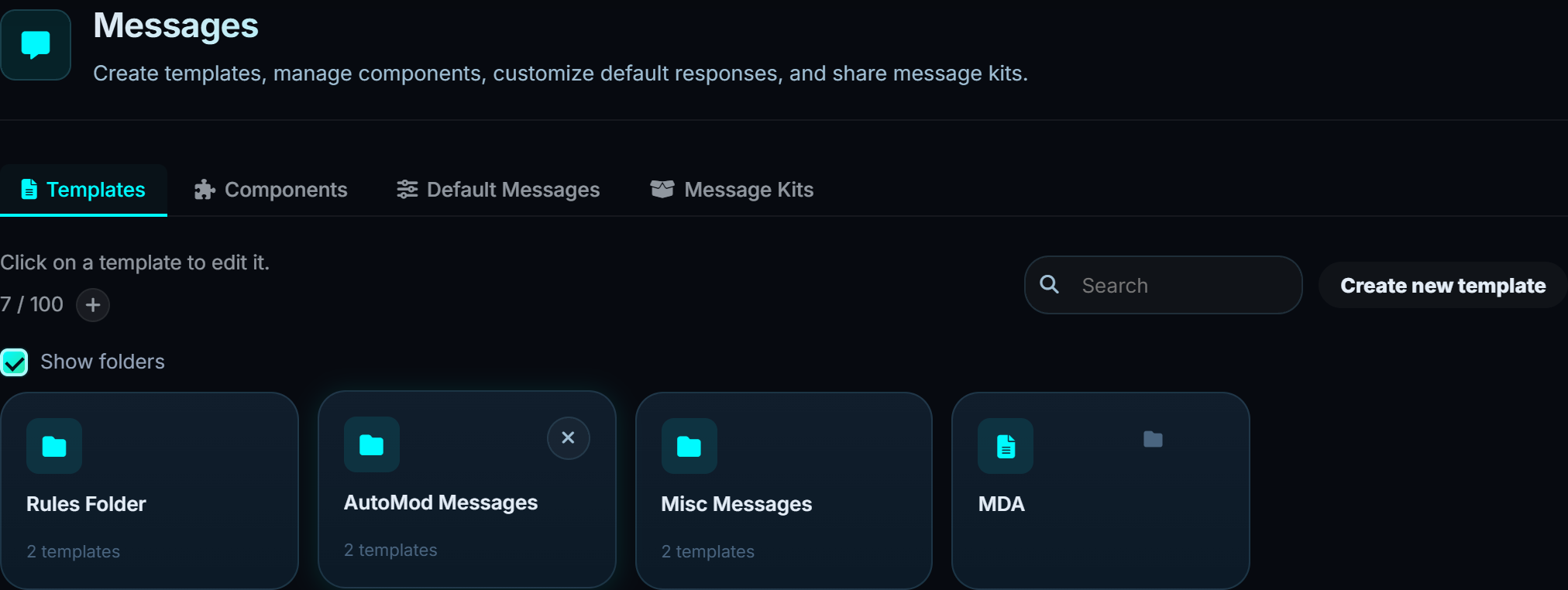
#Default messages
The 446. Every reply, every DM, every log line, every error. They are grouped by area - Moderation, Logs, Modules, Info and errors. Each one can be overridden per server.
An override replaces the default for your server only. Reset it and the default comes back; nothing is lost.
#Variables
Templates use ${variables} for the parts that change.
| Variable | Becomes |
|---|---|
${usertag} |
The user's tag |
${usermention} |
A mention |
${userid} |
Their ID |
${servername} |
The server's name |
${reason} |
The reason given |
${caseid} |
The case ID |
${duration} |
How long a timed punishment lasts |
${appealsiteurl} |
Your appeal page |
${checkemoji}, ${closeemoji}, ... |
The Tides emoji, by name |
The editor lists every variable a given template supports, so you are not guessing.
Put
${appealsiteurl}in your ban DM rather than pasting the link. A hardcoded link goes stale the day the address changes, and nothing will tell you.
#Templates
Where default messages are the bot's own wording, templates are messages you compose - rules posts, announcements, information panels.
A template can hold text, embeds, images, a full componentsV2 layout, and buttons.
#Sending one
| Way | What it is for |
|---|---|
| Send | Post it into a channel now |
| Edit existing message | Paste a message link and re-push the template over it |
| Sticky | Keep it at the bottom of a channel as people talk |
| Schedule | Post it on a repeat |
| Automation | Post it when something happens |
Edit existing message is how you change a rules post without deleting and reposting - the original message stays, so its links and pins survive.
Images in a template are stored as their Discord link, and the link is re-signed every time the template is sent. Discord attachment links expire after about a day; yours will not.
#Components
Buttons and select menus, defined once and reused across templates. A button carries what it looks like and what it does, whether that is sending a message, adding a role or opening a ticket.
Because the component is defined once, changing its emoji or label changes it everywhere it is used.
#Message kits
A kit is a set of templates packaged together, such as a whole rules-and-welcome setup, so a new server can be brought up without building each message by hand.