
Social notifications
Announce a channel's new uploads in Discord.
#YouTube
Add a channel and pick where announcements go.
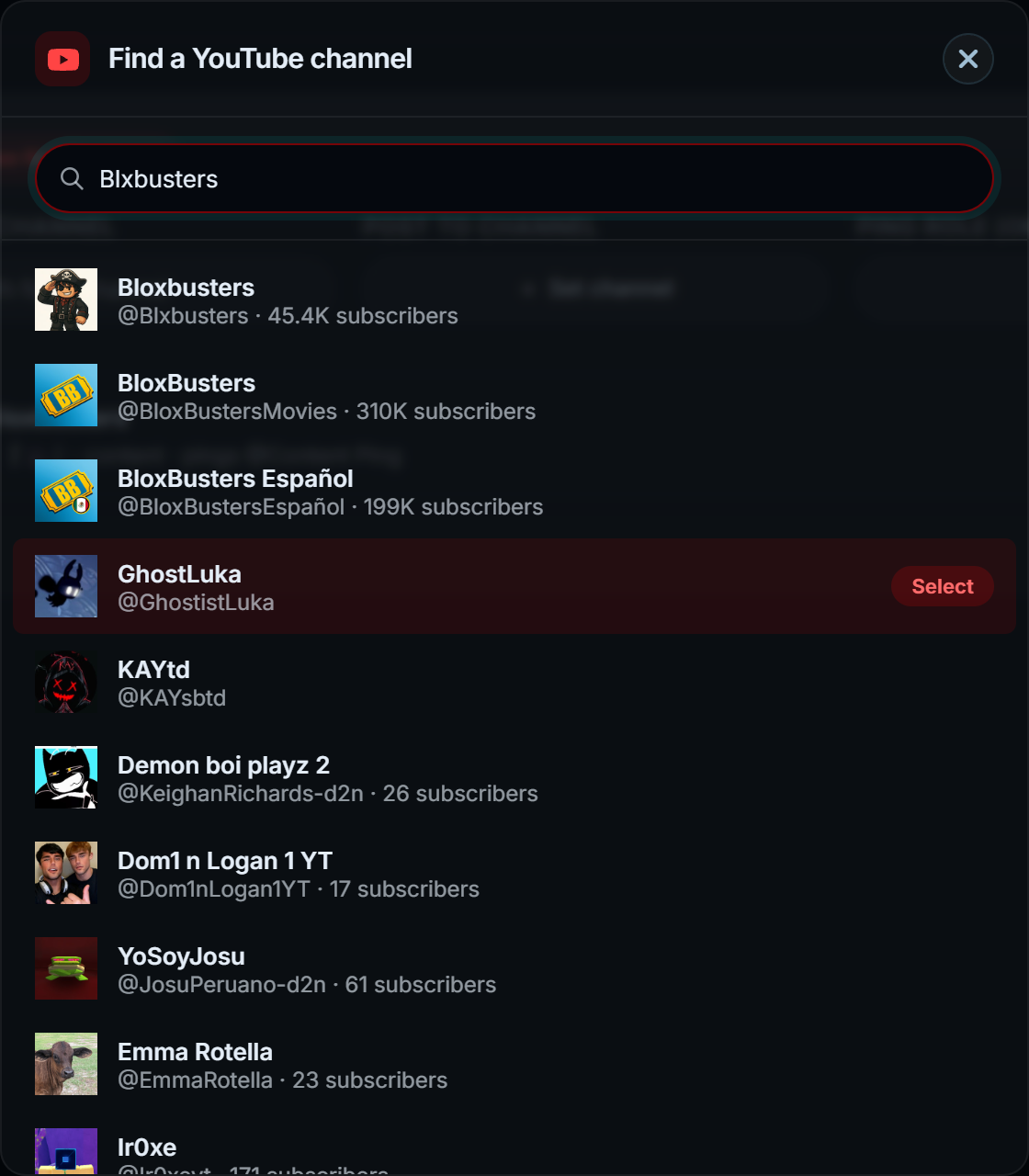
Rather than pasting a channel URL, search for the channel by name and pick it from the results. That resolves to the real channel ID once, so adding it never has to guess again - and it avoids the classic mistake of subscribing to the wrong channel because two have similar handles.
| Option | What it does |
|---|---|
| Announcement channel | Where the post goes |
| Ping role | A role mentioned with the announcement |
| Message | Your own wording, with the video title and link |
Announcements arrive by push from YouTube rather than by polling, so they are quick.
There is no API key in this project. Channel search and handle resolution both read YouTube's own results page.
#Custom message
The announcement wording is yours. ${title}, ${url}, ${channelname} and the rest are
available, so it can read like your server rather than like a bot.
Leaving it empty posts the link on its own, which lets Discord's own embed do the work - often the best-looking option.